VIRTUAL STAGING
Stage your room.
Add a photo, choose a look, and generate your room.
1 Add a room photo
No card required · View free allowance
Three watermarked previews in your signup month, then one per month, subject to availability.
2 Choose your look
Choose a furniture style and palette below.
3 Generate your room
No signup or subscription. One image + two corrections, all palettes, no preview watermark.
Checking whether room staging is available.
By generating or continuing to checkout, you agree to our terms and confirm you have permission to use this photo.
One image + two corrections. No subscription or account required. Keep this browser open through checkout.
Free rooms show a watermarked preview. Your uploaded photo is sent to the image provider. Review the result before sharing.
Creating your room and checking the result.This can take a few minutes. Keep this page open.
YOUR ROOM PREVIEW
Modern · Living room
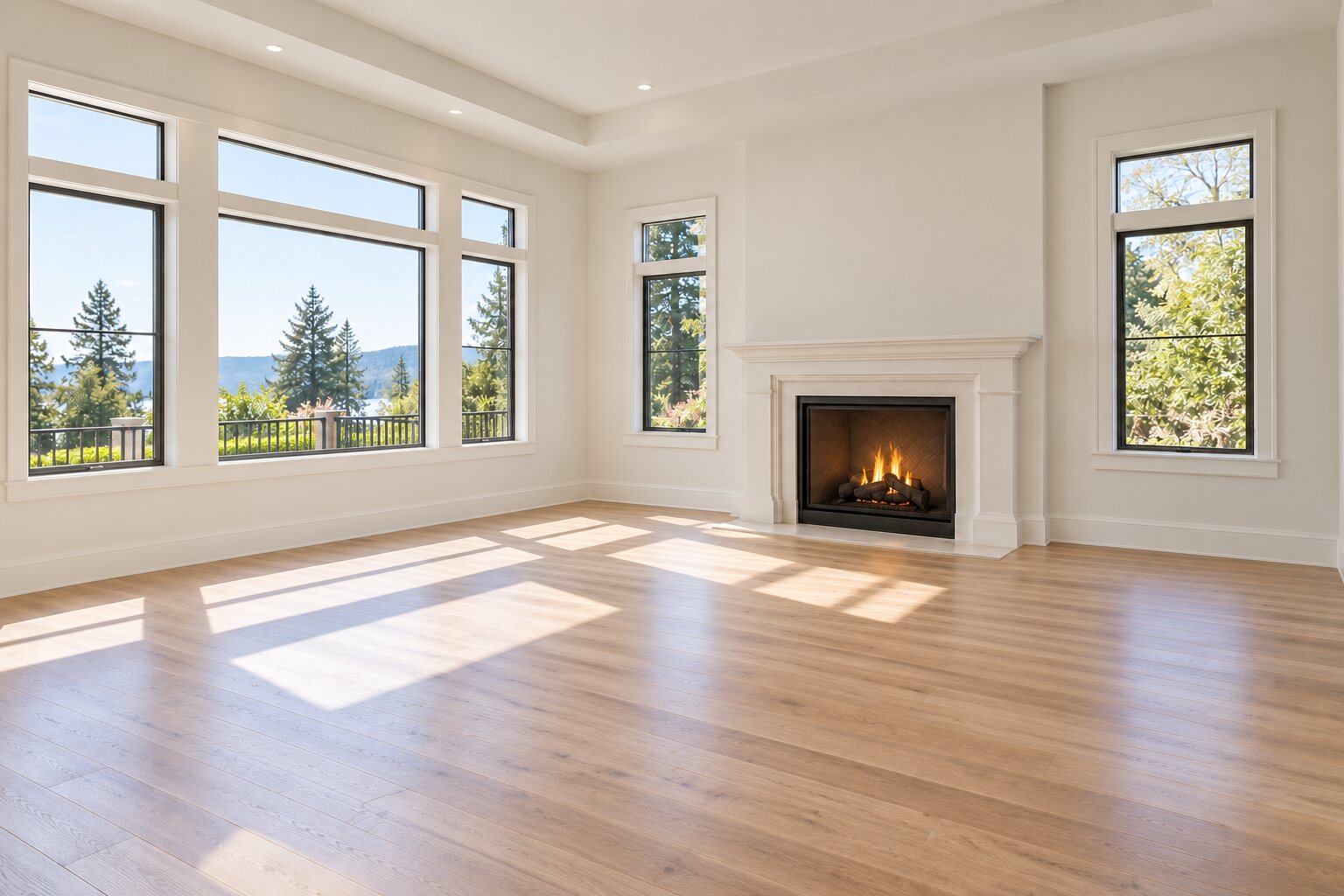
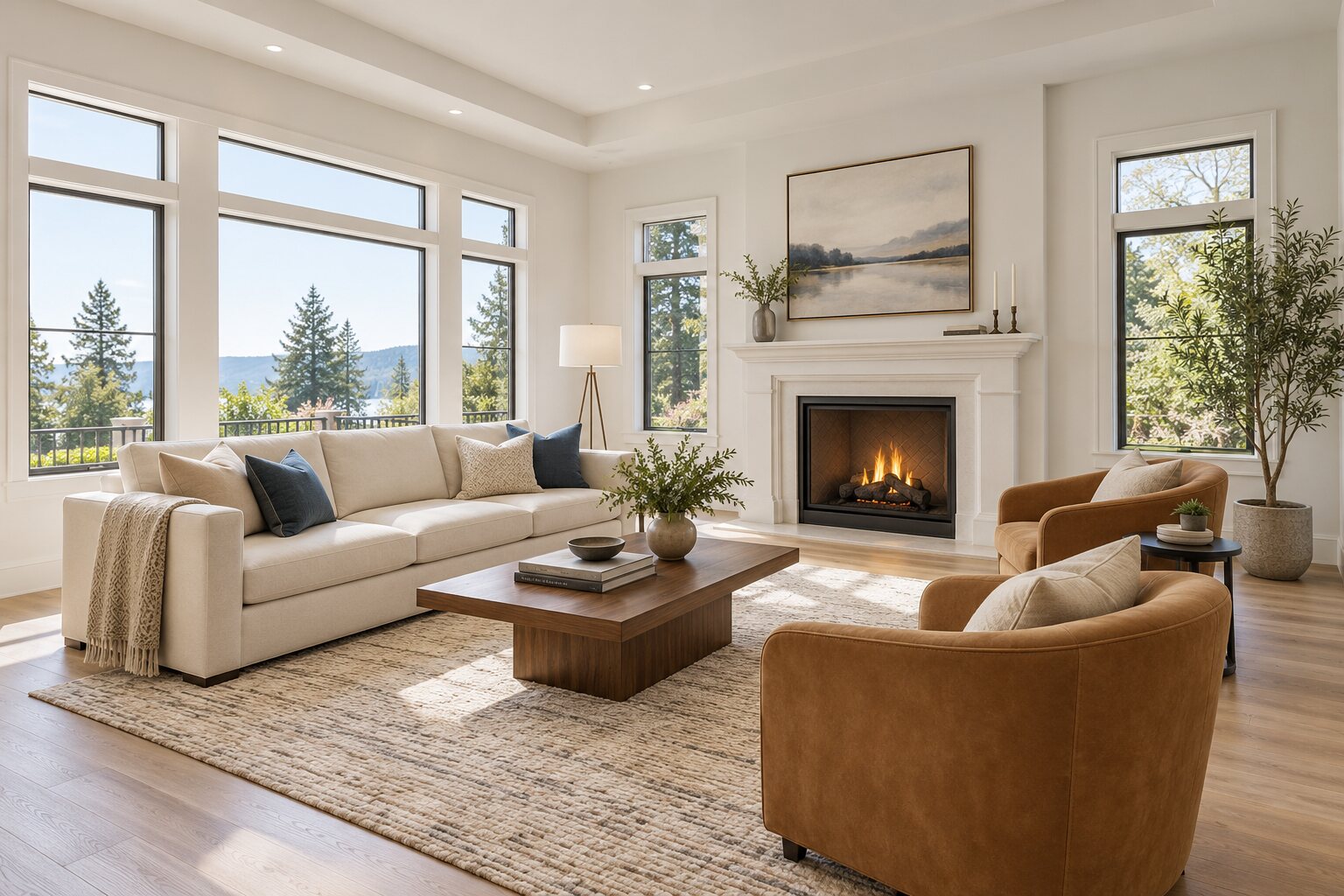
“Virtually staged” stays visible on the image and in your video.
Check your result
Automatic checks can miss changes. Compare the original before using a result.
Colors guide added furniture and décor. They don’t recolor the original photo.
Furniture changes. The property should stay the same—check every result before sharing.
Import an existing staged image
Import it to compare, download with a disclosure label, or add it to your video. Choose the same room and camera angle.
Add the original room first.